Controls for JEDI's Grid Dashboards
Controls in a Grid Dashboard allow you to interact directly with your IoT data in real time. By adding a control panel and selecting appropriate control types, you can create intuitive interfaces for adjusting parameters and triggering actions—all from a single dashboard view.
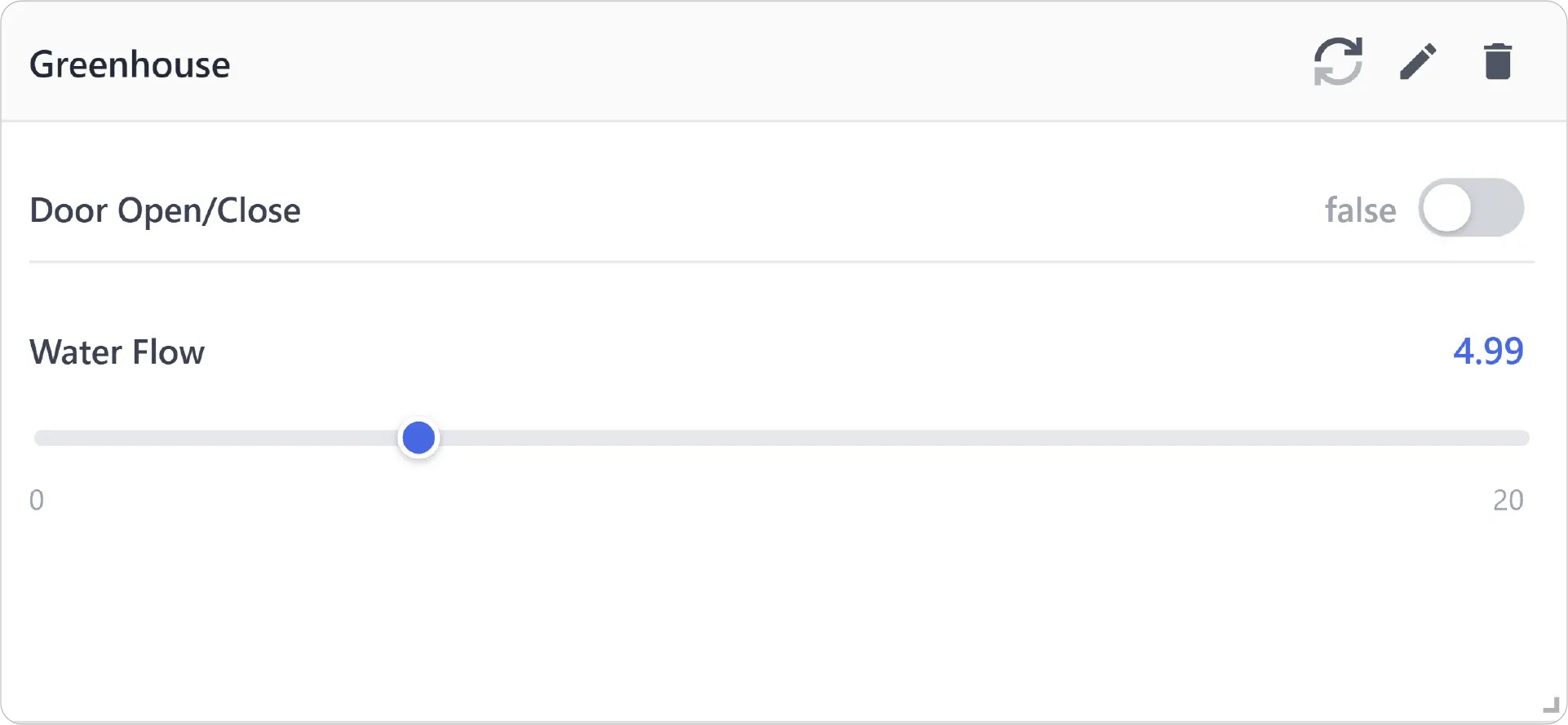
Why Controls Matter
- Direct Action: No more switching between monitoring and external control panels – act on your insights immediately, right within your JEDI dashboard.
- Experimentation and Optimization: Test the impact of different settings or values in real-time, accelerating decision-making.
- Enhanced User Experience: Provide a more intuitive and streamlined way for users to interact with your IoT system.
Control Panel Configuration
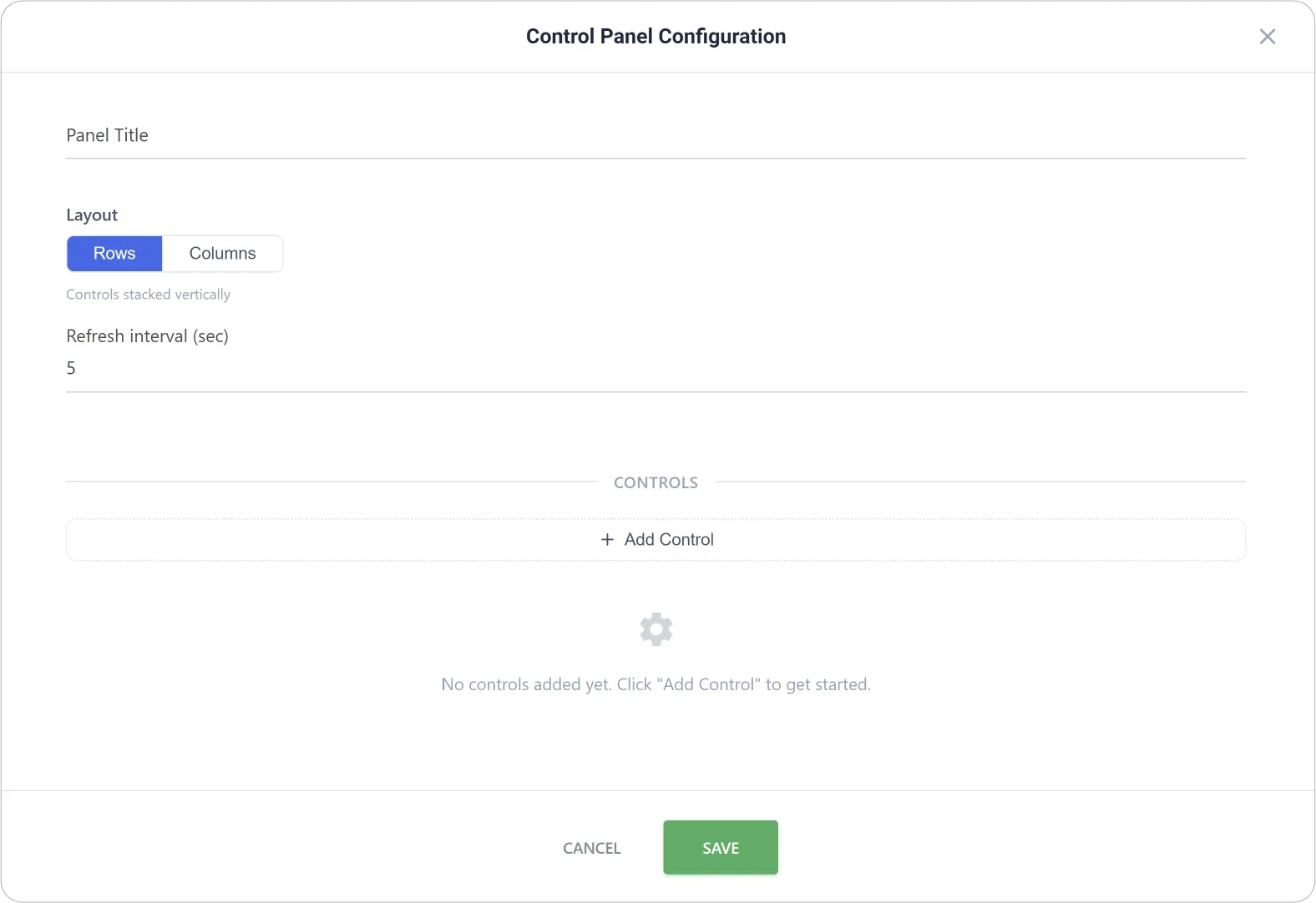
- Panel Title: Define a clear name for the control panel to describe its purpose or function.
- Layout: Choose how controls are arranged within the panel, either in rows or columns, depending on space and usability preferences.
- Refresh Interval: Set how often the panel updates to ensure control states and device responses remain in sync.
Control Type Configurations
JEDI's Controls are designed for a specific kind of input—ranging from simple on/off commands to precise numeric adjustments, directional movement, or free-form text entry.
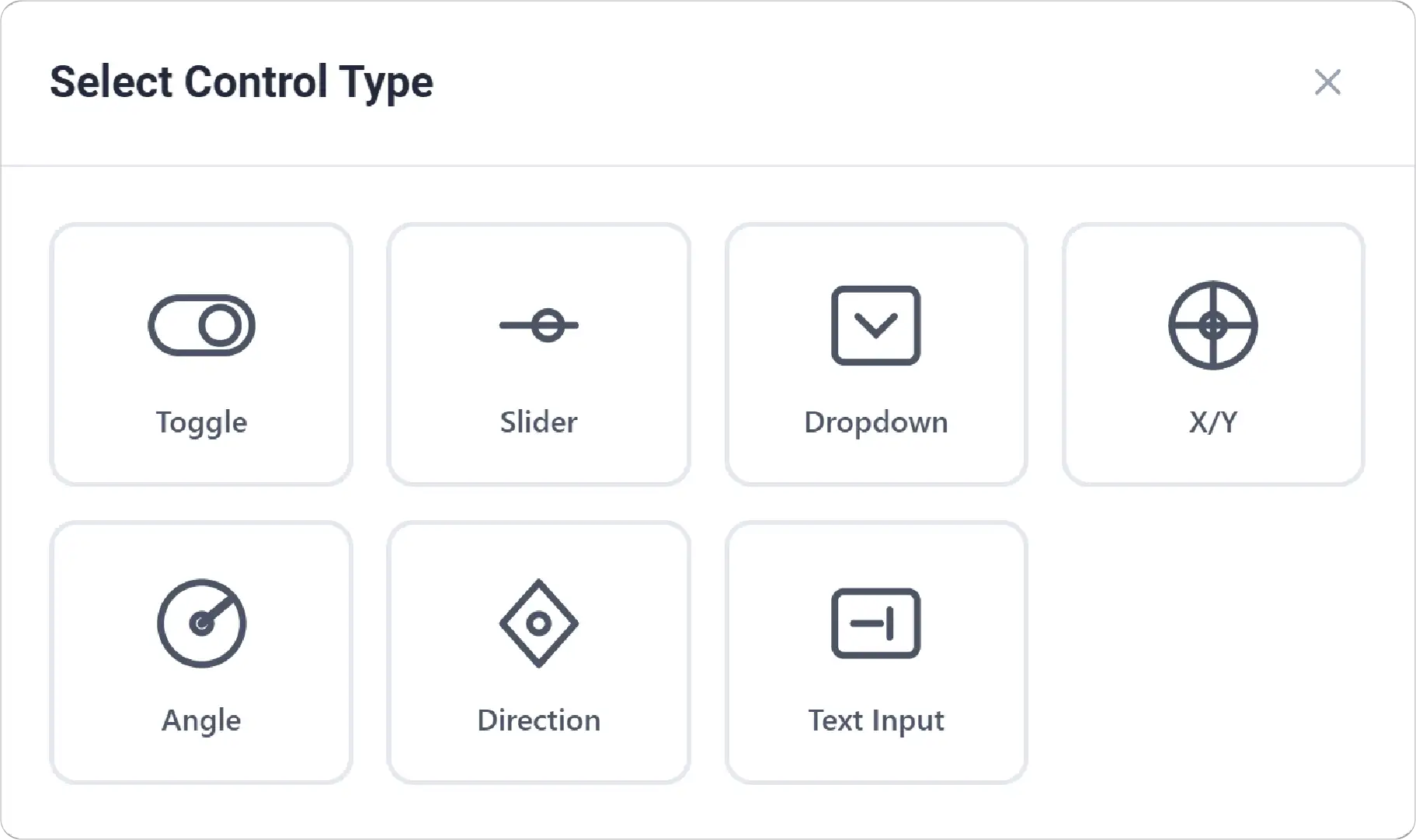
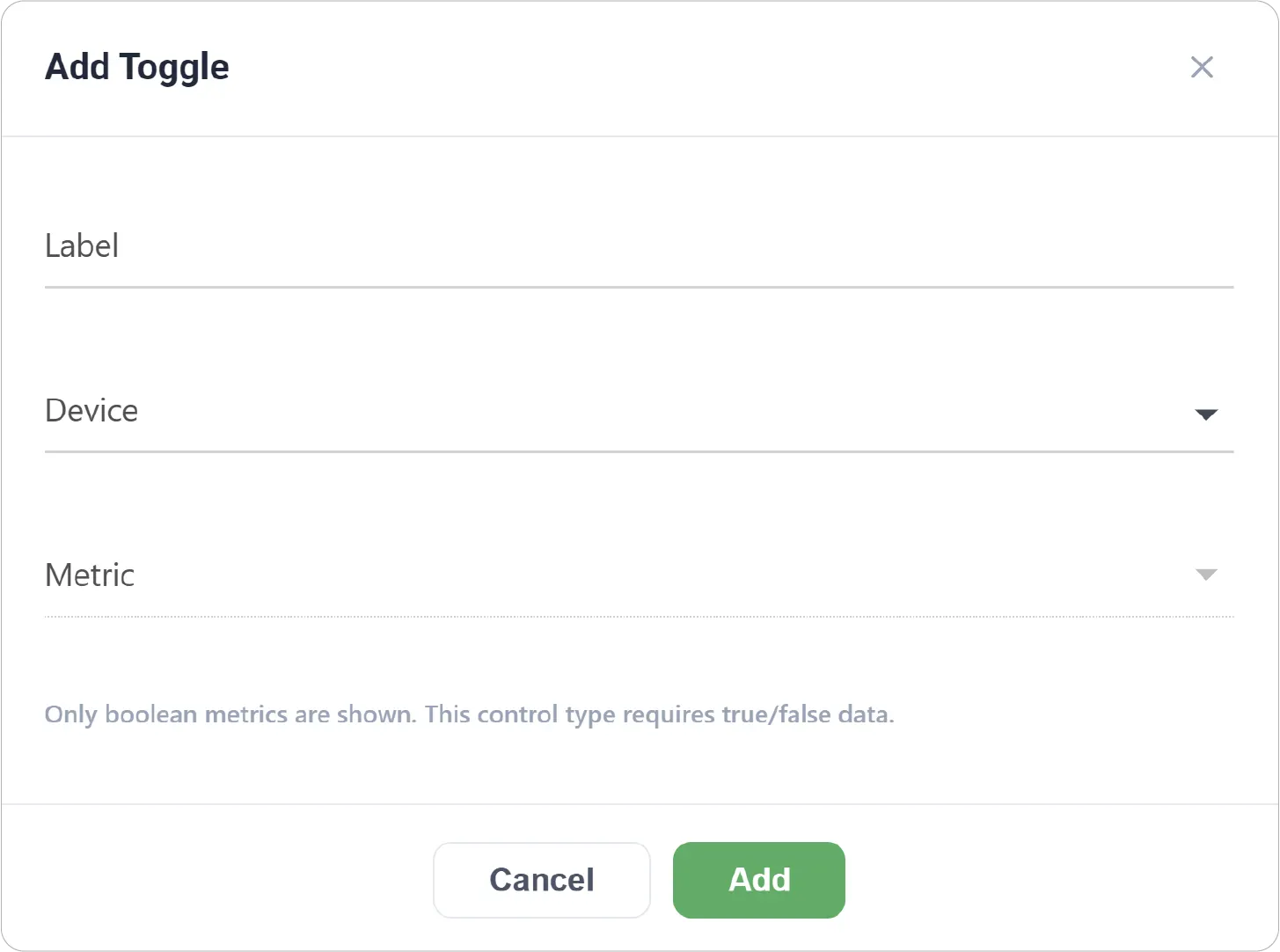
Toggle Control
A simple on/off switch used to send boolean values to a device.
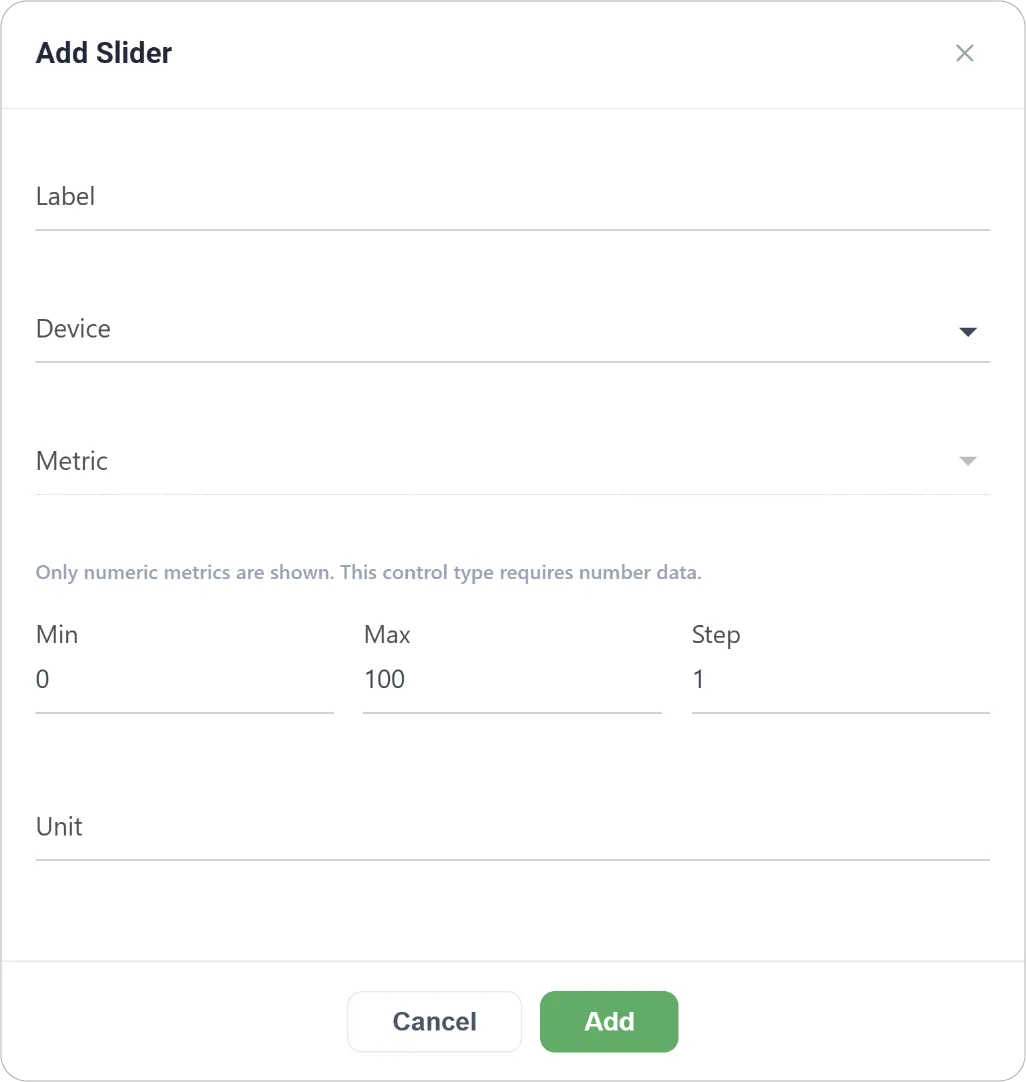
Slider Control
Allows users to adjust numeric values within a defined range.
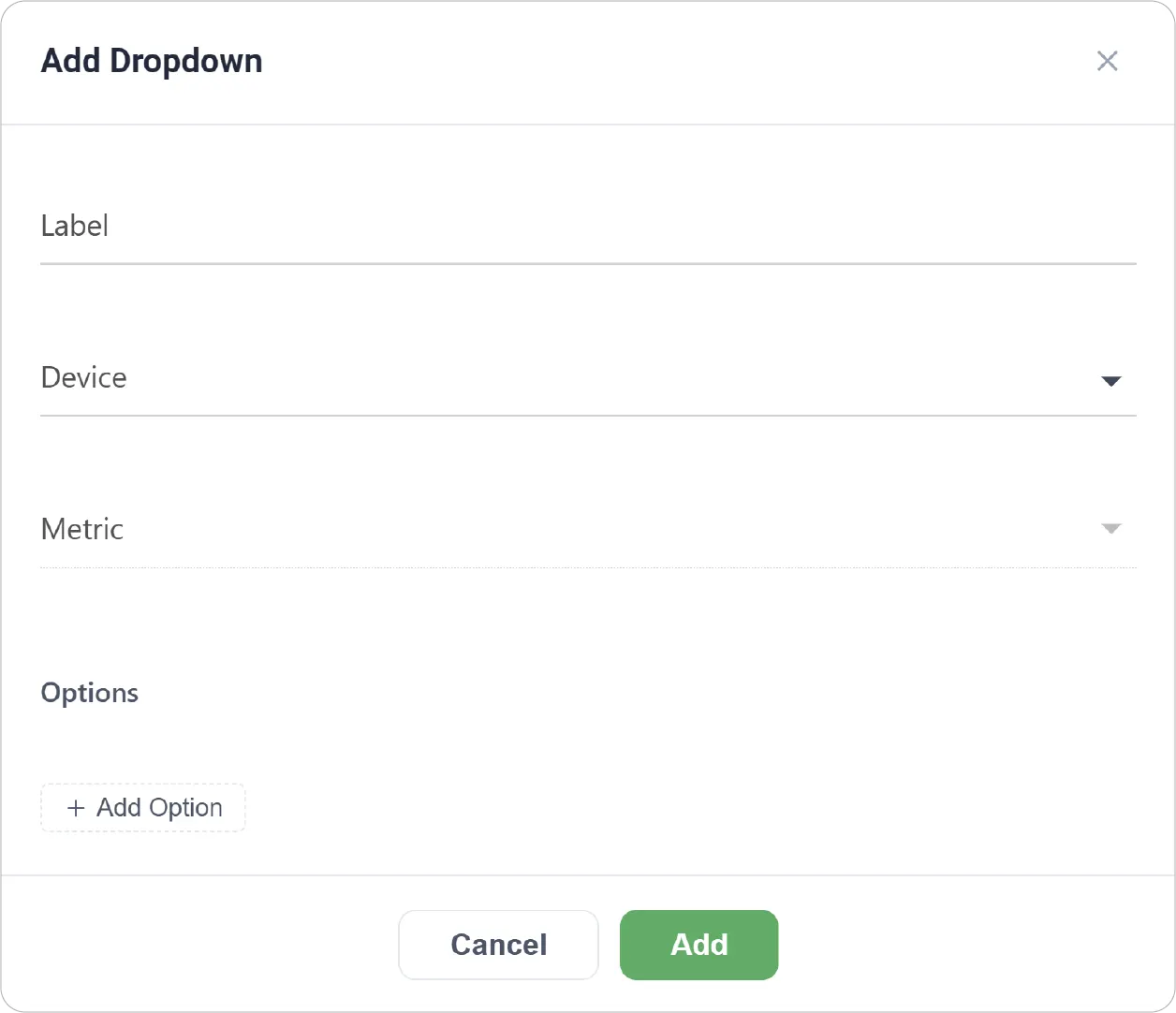
Dropdown Control
Provides a selectable list of predefined options for a metric.
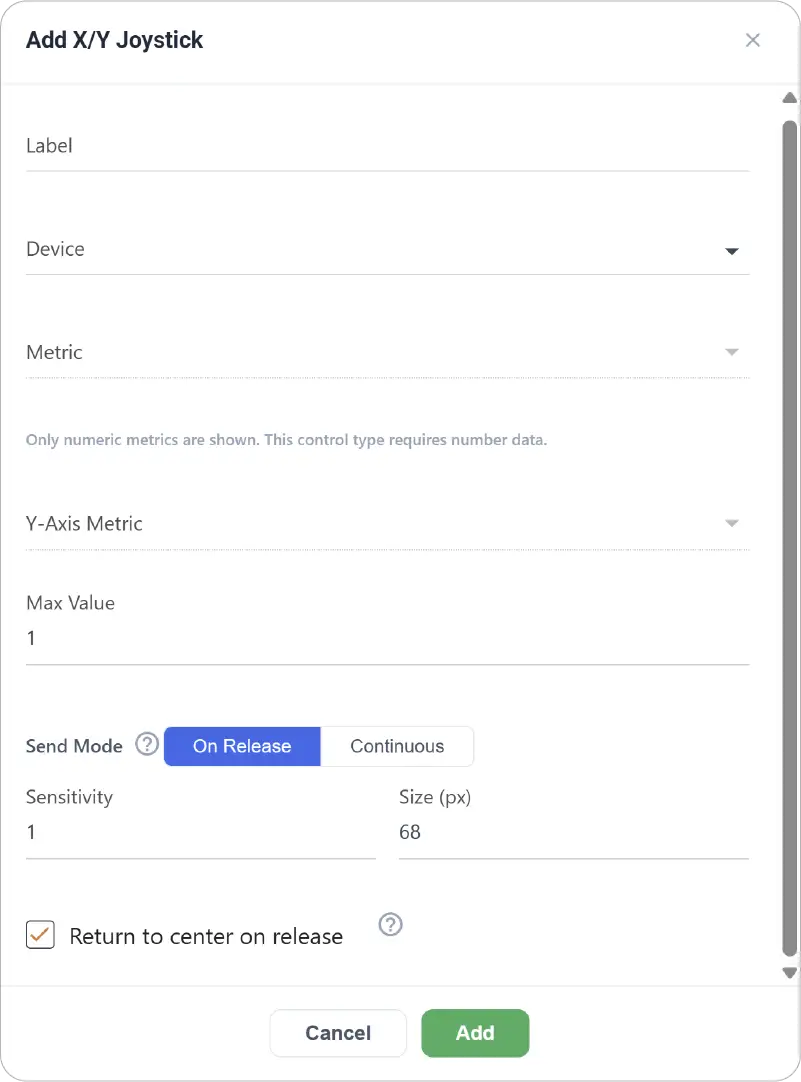
XY Joystick Control
Enables two-dimensional control using X and Y axes for numeric metrics.
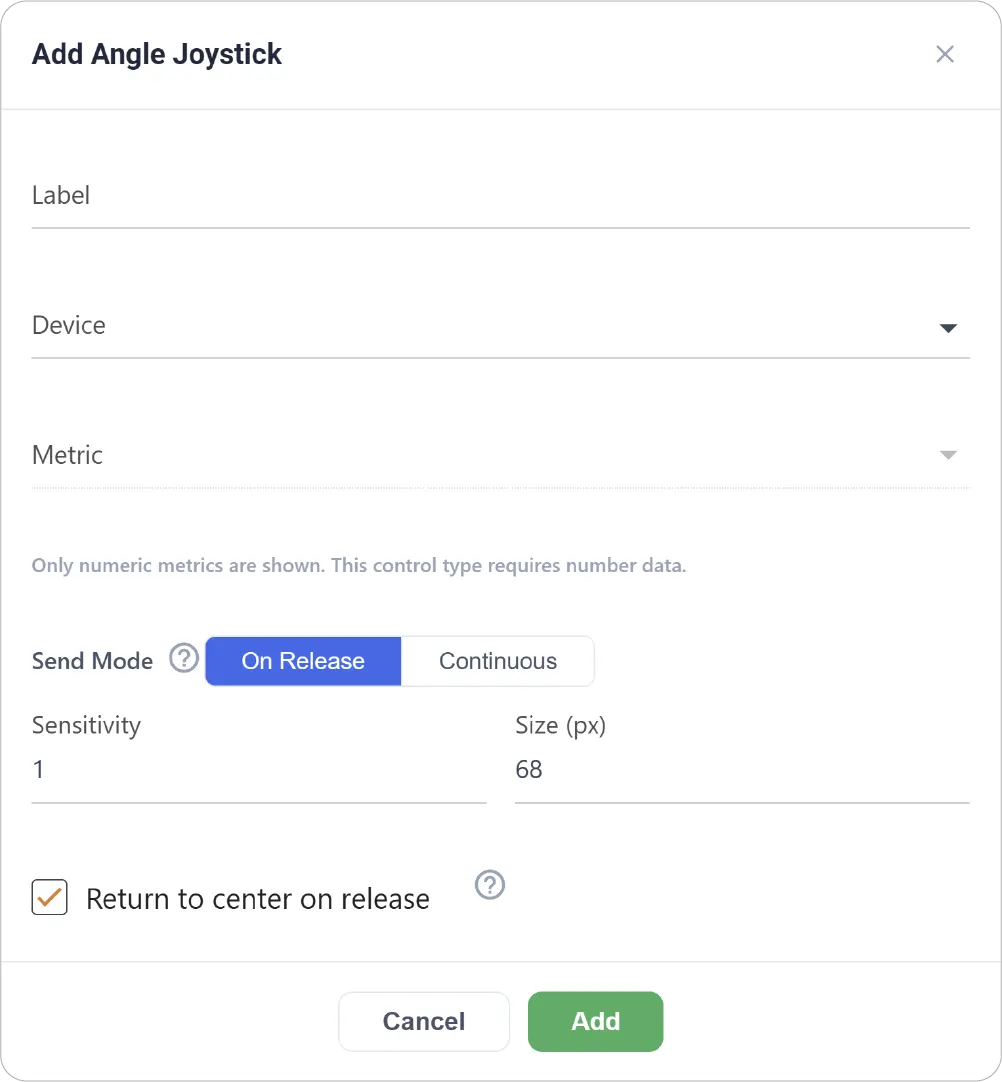
Angle Joystick Control
Allows circular directional input mapped to a numeric metric.
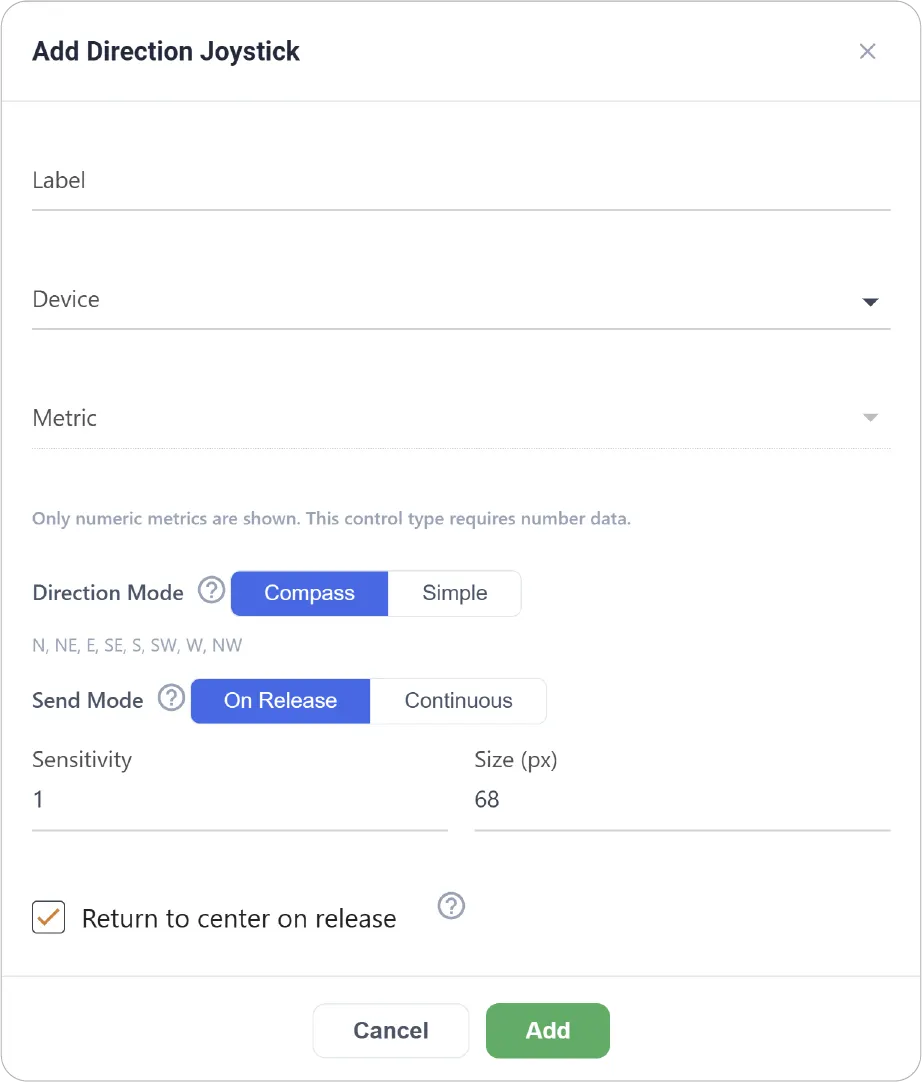
Direction Joystick Control
Provides directional control using compass-style or simple directional input.
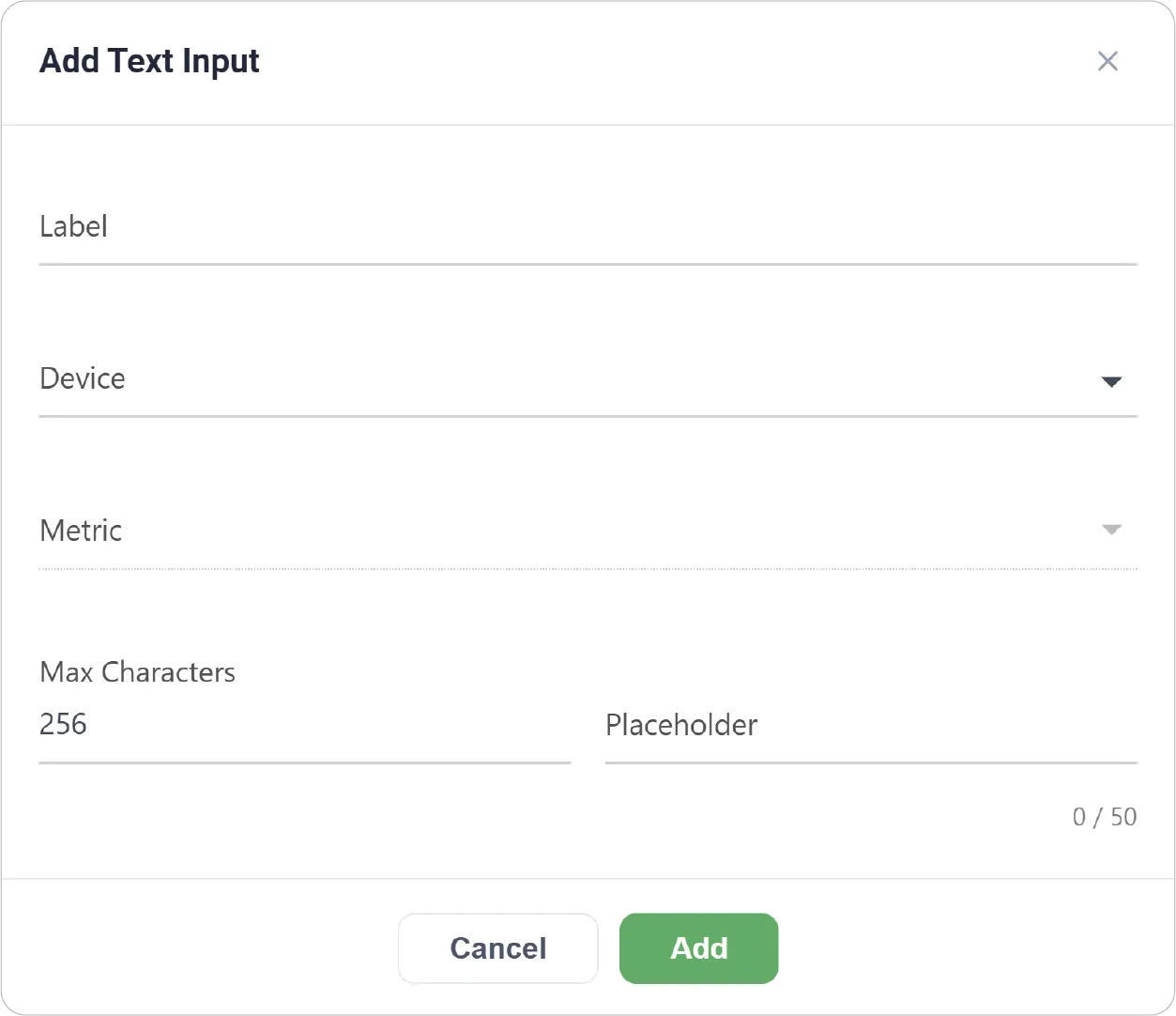
Text Input Control
Accepts free-form text input to send string or command-based data.
Get Creative
The possibilities are endless! Consider how JEDI's Controls can unlock a new level of interactivity and direct manipulation within your specific application domain.
Ready to take control? Explore our detailed guides for each control widget:
Have a question? Contact our support team: support@machinechat.io