User Management Overview
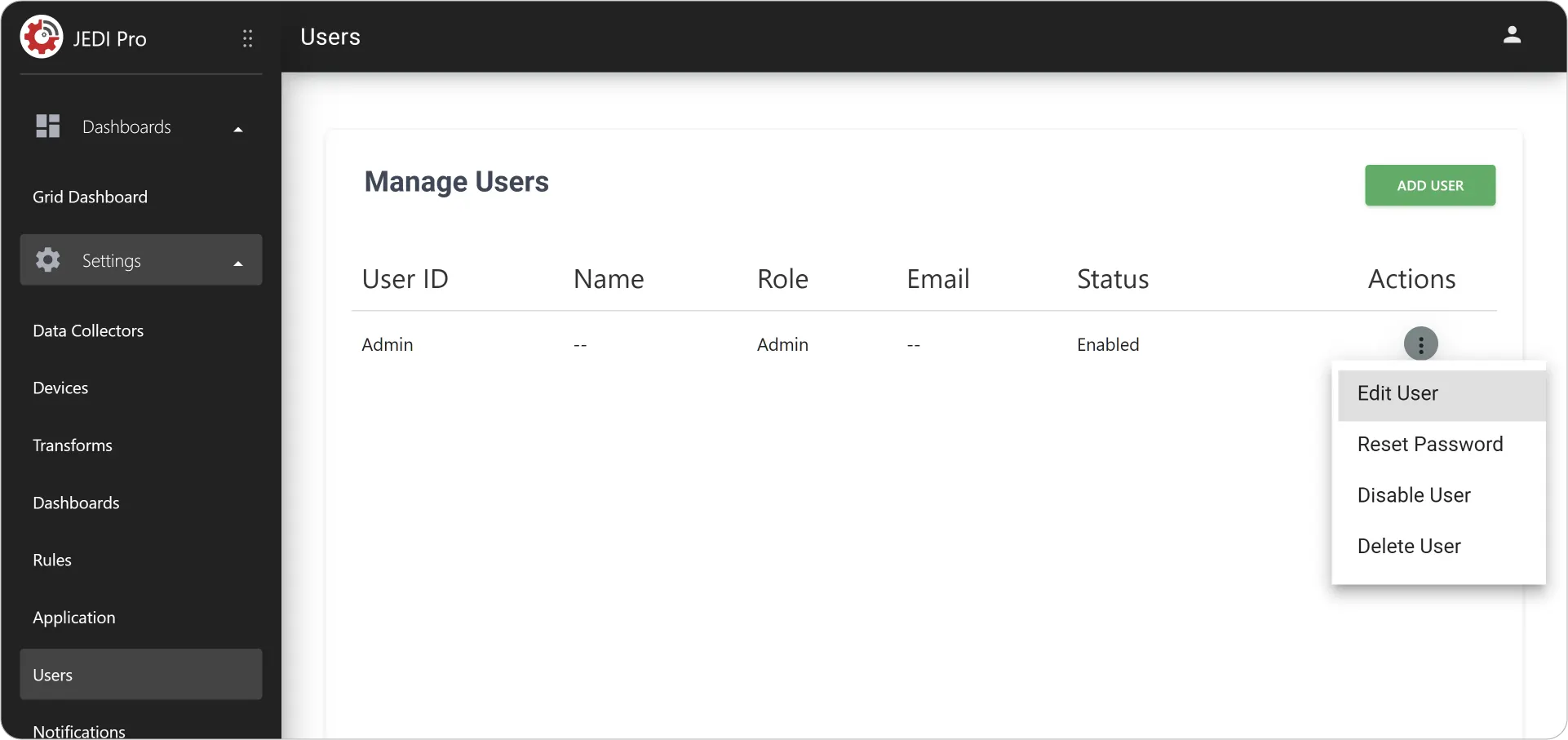
User Management in JEDI Pro gives you control over who can access your system, what they can see, and what actions they’re allowed to perform. JEDI Pro helps you organize users, assign roles, and maintain a secure and efficient workflow across your IoT environment.
Types of Users
-
Admin
Full access to all features and capabilities.
This includes configuring devices, managing data collectors, building dashboards, and controlling system-wide settings.
Best suited for:
- System administrators
- Engineers and developers
- Team leads managing deployments and infrastructure
-
User
View-only access to dashboards.
They can monitor live and historical data but cannot make changes to configurations or system settings.
Best suited for:
- Operators and technicians
- Stakeholders who need visibility into data
- Customers or end-users monitoring system performance
Why User Management Matters
Effective user management is essential for maintaining both security and clarity in your workflow. By clearly defining roles and permissions, you can:
-
Prevent Unauthorized Changes: Restrict access to critical configurations so only authorized users can make modifications.
-
Ensure Proper Data Access: Make sure users only see the data relevant to their role.
-
Reduce Operational Errors: Limit access to sensitive actions and minimize the risk of accidental misconfigurations.
-
Create an Organized Experience: Provide a cleaner, more structured interface by tailoring access based on user responsibilities.
Set up your users, assign roles, and take control of how your team interacts with your data with JEDI Pro! Head over to the Add and Manage Users to bring your team into the system.
Have a question?
Contact support@machinechat.io