Simulating IoT Sensors with Built-In IoT Simulator
JEDI 4.0 includes a built-in IoT data simulator that allows you to generate near-realistic sensor data without the need for physical devices, making it easy to get started quickly. It is ideal for prototyping dashboards, testing alerts, and creating realistic learning environments for students and trainees.
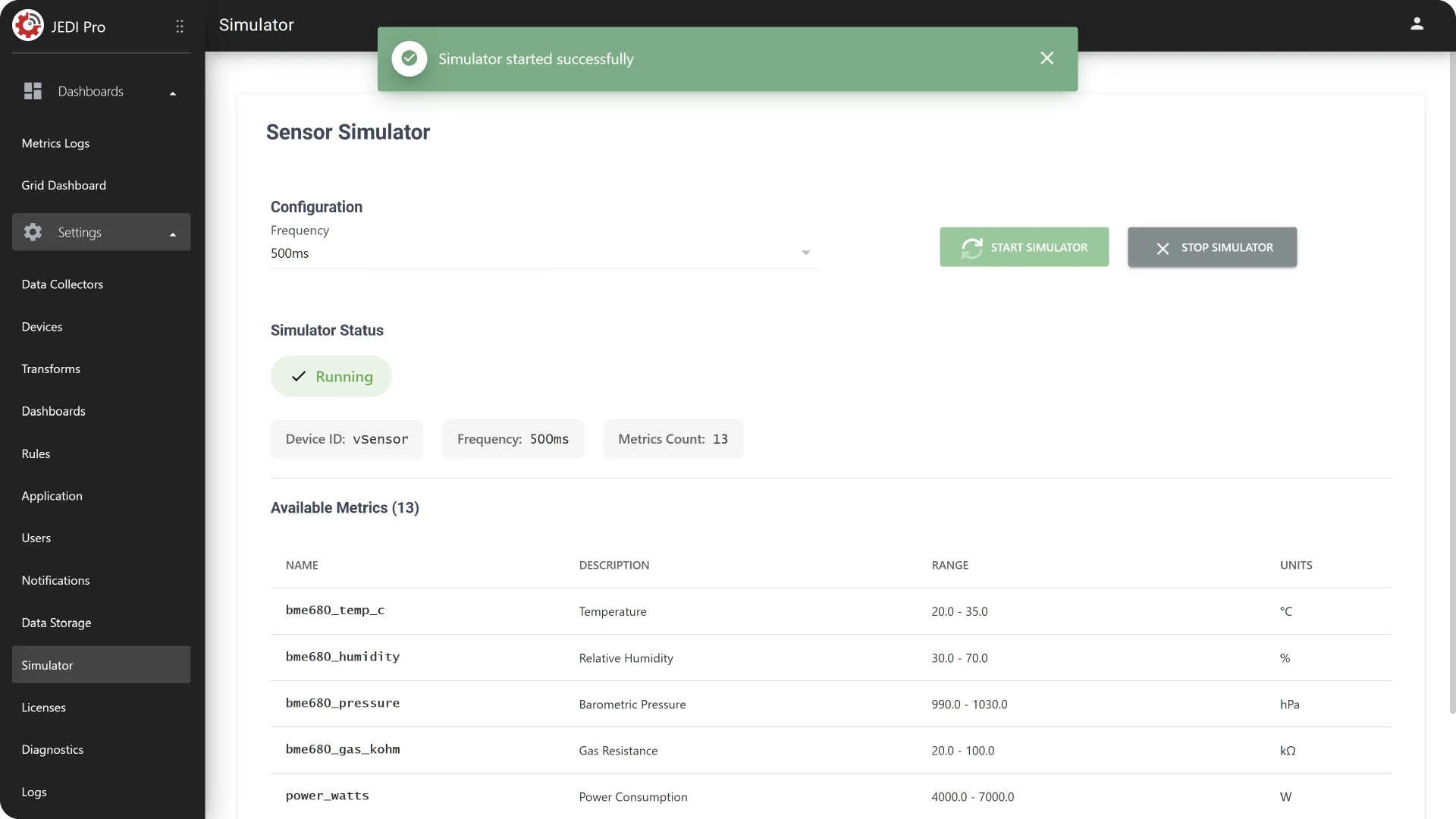
Start and Stop JEDI's Simulator in GUI
You can start and stop the built-in IoT Simulator directly through the GUI and generate test data without connecting physical devices.
- Go to Settings Simulator.
- Click Start Simulator or Stop Simulator to begin or end data generation.
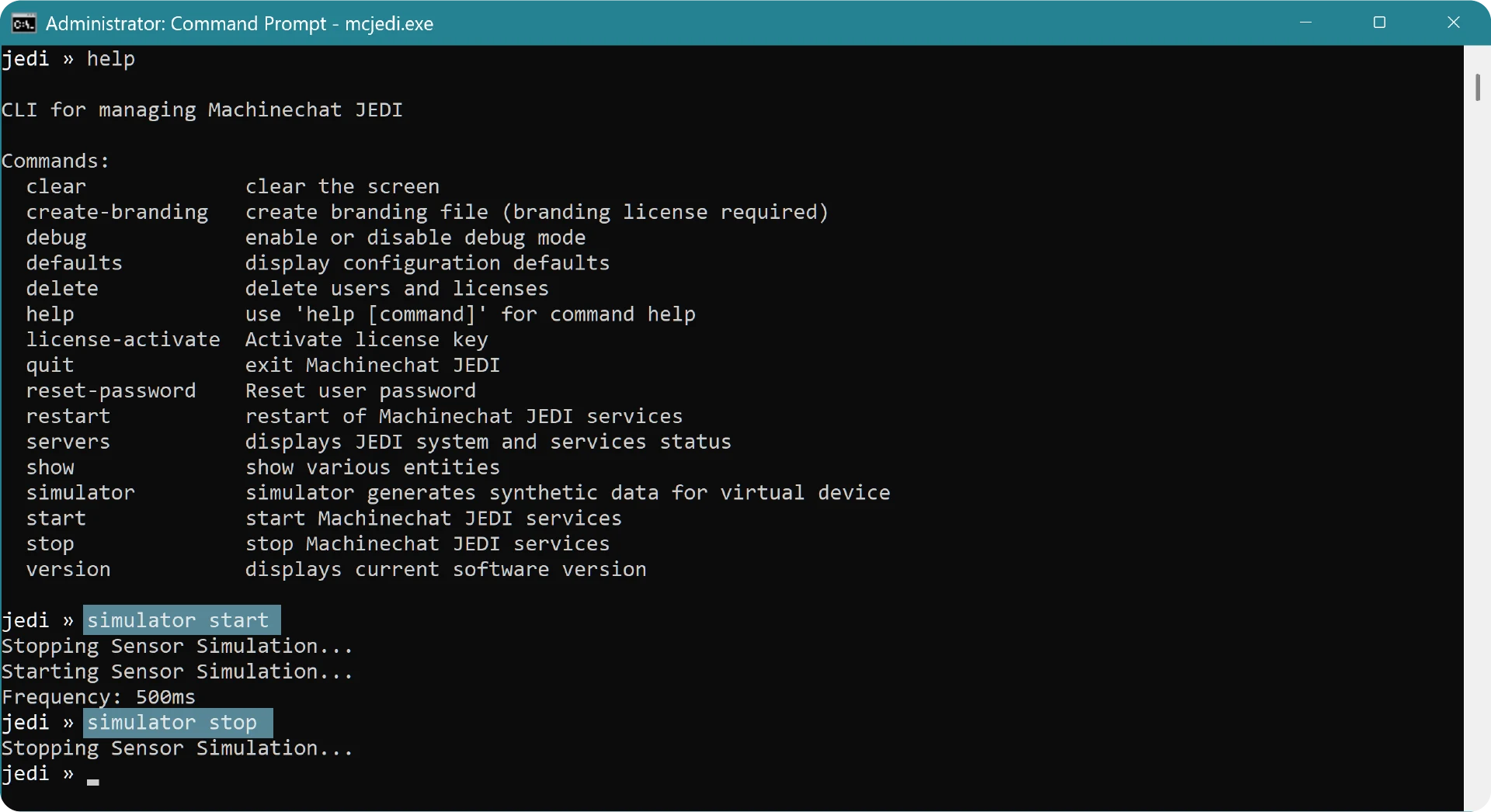
Start and Stop JEDI's Simulator in CLI
The IoT simulator is available when running JEDI through the Command Prompt (Windows) or Terminal (macOS/Linux) as well.
To start the simulator, enter the following command in the JEDI CLI:
This will initiate the simulator and begin generating sensor data.
To stop the simulator, use the following command.
This will halt data generation.
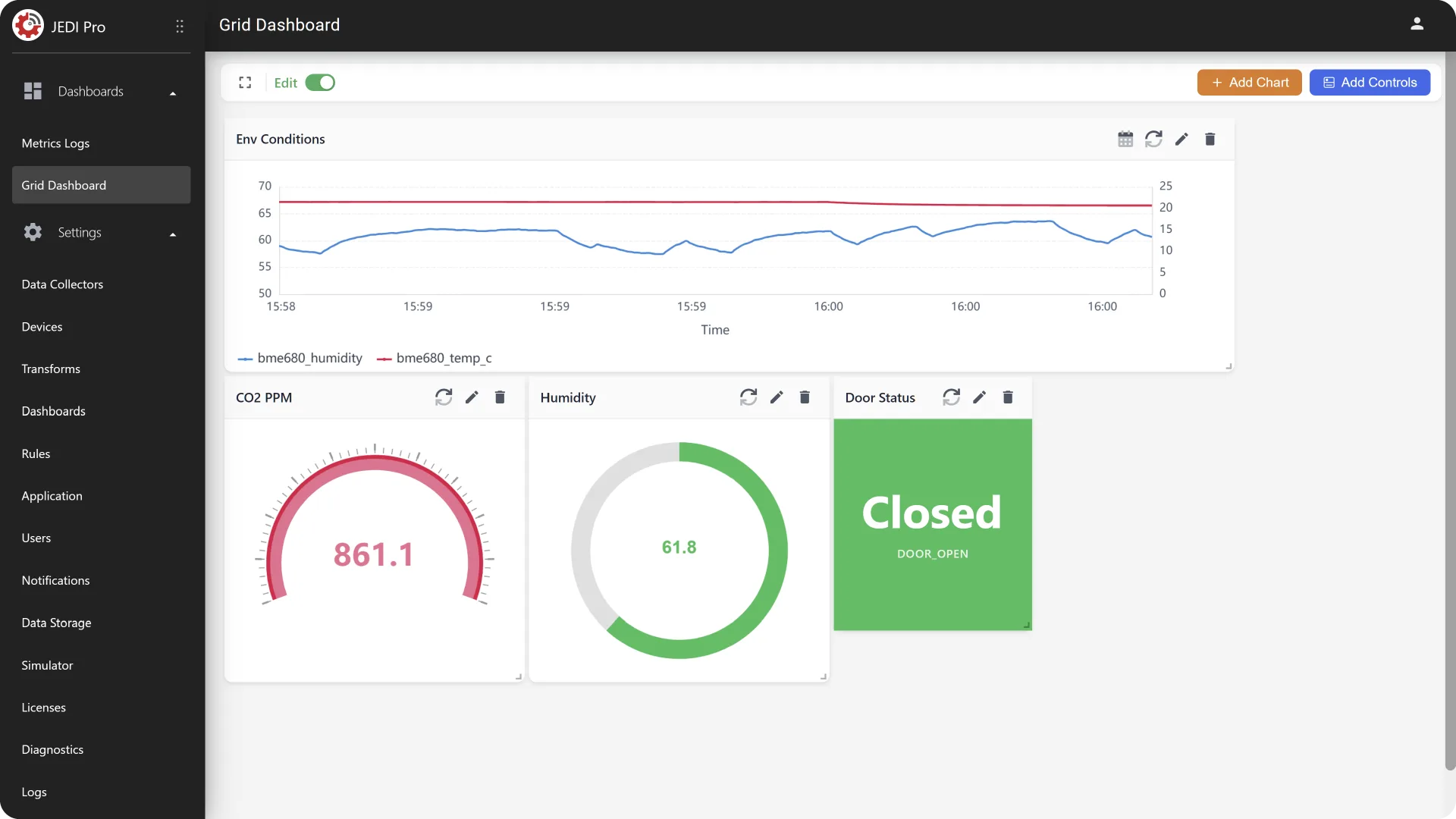
Simulated Data
The simulator generates data for a virtual device with the Device ID: vSensor. The following metrics are available:
| Metric Name | Data Type | Units |
|---|---|---|
| bme680_temp_c | NUMBER | °C |
| bme680_humidity | NUMBER | % |
| bme680_pressure | NUMBER | hPa |
| bme680_gas_kohm | NUMBER | kΩ |
| power_watts | NUMBER | W |
| water_flow_gpm | NUMBER | GPM |
| chiller_temp_c | NUMBER | °C |
| vibration_mps2 | NUMBER | m/s² |
| noise_db | NUMBER | dB |
| co2_ppm | NUMBER | ppm |
| light_lux | NUMBER | lux |
| door_open | BOOLEAN | |
| machine_state | STRING | |
| pump_active | BOOLEAN | |
| fan_running | BOOLEAN | |
| alarm_triggered | BOOLEAN | |
| valve_open | BOOLEAN | |
| tank_level_pct | NUMBER | % |
| battery_soc_pct | NUMBER | % |
| cpu_load_pct | NUMBER | % |
| fuel_level_pct | NUMBER | % |
| pump_cmd | BOOLEAN | |
| tank_level_setpoint_pct | NUMBER | % |
| oil_pressure_bar | NUMBER | bar |
| wind_dir_deg | NUMBER | ° |
| pan_deg | NUMBER | ° |
| tilt_deg | NUMBER | ° |
With this data, you can experiment with various JEDI features, ensuring a smooth transition to working real-world IoT sensors.
Need help?
Contact our support team: support@machinechat.io